How to Make a Difference: Online Feedback Submission for a Better Community
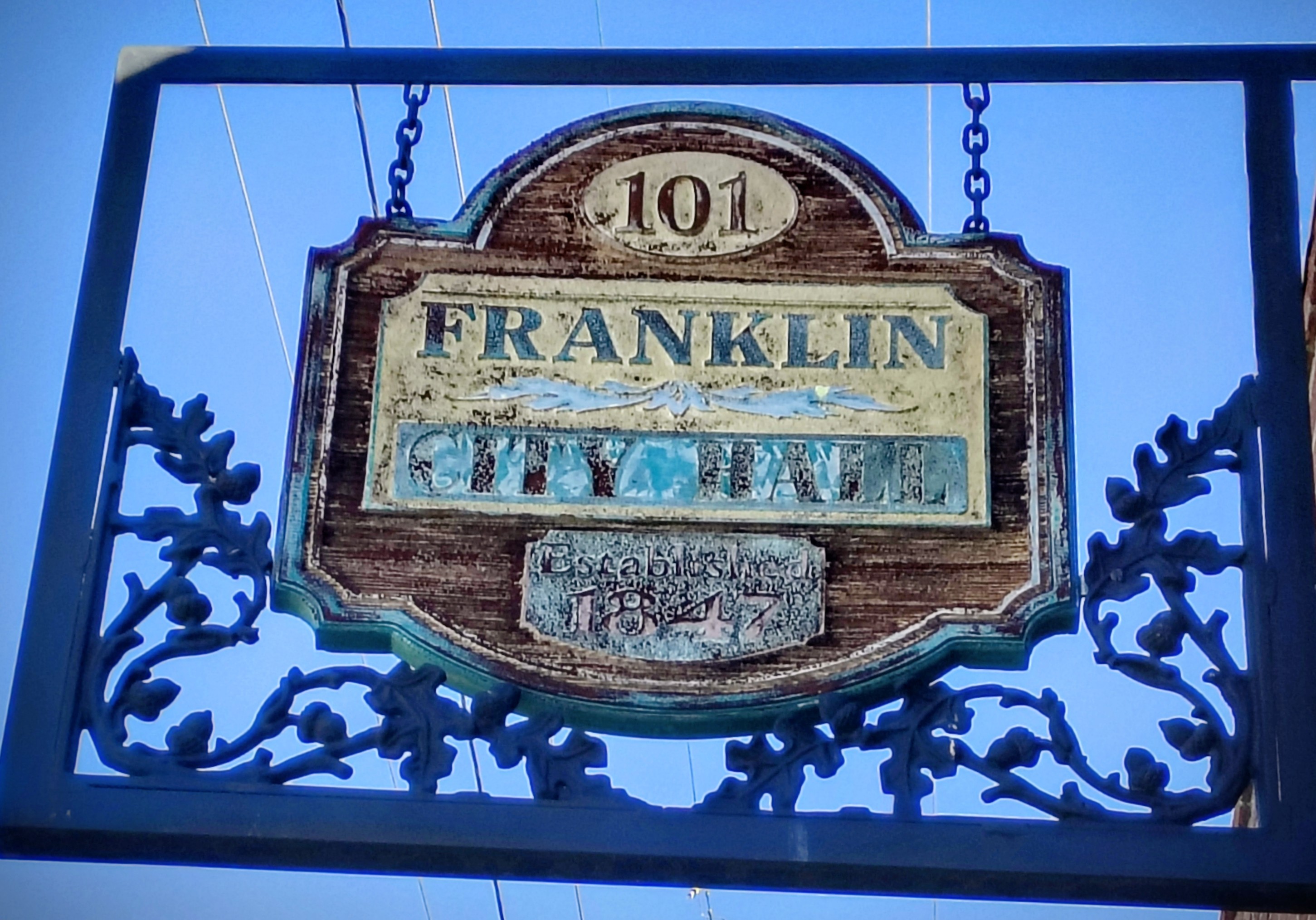
Sharing your thoughts and ideas about your town is a powerful way to help shape its future. When you take a moment to provide feedback, you contribute to making your community safer, more vibrant, and more efficient. Today, I want to walk you through the simple and effective process of submitting your public feedback online. It’s easier than you might think, and your voice truly matters.

Why Online Feedback Submission Matters
In a small town like ours, every opinion counts. Online feedback submission allows residents, visitors, and potential new citizens to communicate directly with local officials. This process helps the town understand what’s working well and what needs improvement.
For example, if you notice a pothole on Main Street or want to suggest a new park feature, submitting your feedback online ensures your concern reaches the right people quickly. It’s a convenient way to stay involved without needing to attend meetings or make phone calls.
By sharing your ideas, you help the town maintain its small-town charm while embracing progress. This balance is essential for preserving our community’s values and ensuring efficient municipal services.

How to Submit Your Feedback Online
Submitting your feedback online is straightforward. Here’s a step-by-step guide to help you get started:
Find the Official Town Website
Visit the Town of Franklin’s official website, www.franklinar.gov. This is the safest and most reliable place to submit your feedback.
Locate the Feedback Section
Look for a tab or link labeled “Contact Us,” “Public Feedback,” or “Community Input.” This section is designed specifically for gathering your thoughts.
Fill Out the Form
Provide your name, contact information, and details about your feedback. Be clear and concise. For example, instead of saying “The park needs work,” specify “The playground equipment at Riverside Park is broken and needs repair.”
Submit Your Feedback
Once you’ve completed the form, click the submit button. You may receive a confirmation email or message letting you know your feedback was received.
Follow Up if Needed
If you don’t hear back within a reasonable time, don’t hesitate to reach out again. Persistence shows you care, and it helps keep your concern on the radar.
Remember, you can always submit public feedback online to make your voice heard.

Tips for Effective Feedback
To make sure your feedback has the greatest impact, consider these tips:
Be Specific
Detail the issue or suggestion clearly. Include locations, times, and any other relevant information.
Stay Positive and Constructive
Frame your feedback in a way that encourages solutions. Instead of just pointing out problems, suggest ideas for improvement.
Keep It Brief
Long messages can be overwhelming. Aim for a few clear sentences that get your point across.
Use Proper Language
Avoid slang or offensive words. Polite and respectful language helps your feedback be taken seriously.
Include Contact Information
This allows officials to follow up if they need more details.
By following these guidelines, you help create a productive dialogue that benefits everyone.

What Happens After You Submit Feedback?
Once you submit your feedback, it doesn’t just disappear into a void. Here’s what typically happens next:
Review by Town Officials
Your feedback is reviewed by the appropriate city personnel.
Assessment and Prioritization
Officials assess the issue’s urgency and impact. Some concerns may be addressed immediately, while others might be scheduled for future projects.
Communication
You might receive updates about the status of your feedback or any actions taken.
Community Improvement
Over time, your input helps shape policies, services, and community projects.
This process ensures transparency and accountability. It also shows how your participation directly contributes to the town’s growth and well-being.
Encouraging Everyone to Participate
Community feedback is most powerful when it comes from a diverse group of voices. Whether you’re a long-time resident, a visitor, or considering making Franklin your new home, your perspective is valuable.
Here are some ways to encourage others to join in:
Share Your Experience
Tell friends and neighbors how easy it is to submit feedback online and why it matters.
Attend Local Events
Many town events provide opportunities to learn about ongoing projects and how to get involved.
Use Social Media
Post about your feedback experience and invite others to participate.
Volunteer
Join local committees or groups that focus on community improvement.
By working together, we can keep Franklin a safe, welcoming, and thriving place for everyone.

Your Voice Shapes Our Future
Taking a few minutes to submit your feedback online is a simple yet powerful way to make a difference. It helps the town stay connected with its residents and visitors, ensuring that services meet your needs and that progress respects our shared values.
I encourage you to visit the official website and submit public feedback online today. Your ideas, concerns, and suggestions are the building blocks of a better community.
Let’s keep Franklin moving forward - together!


Comments